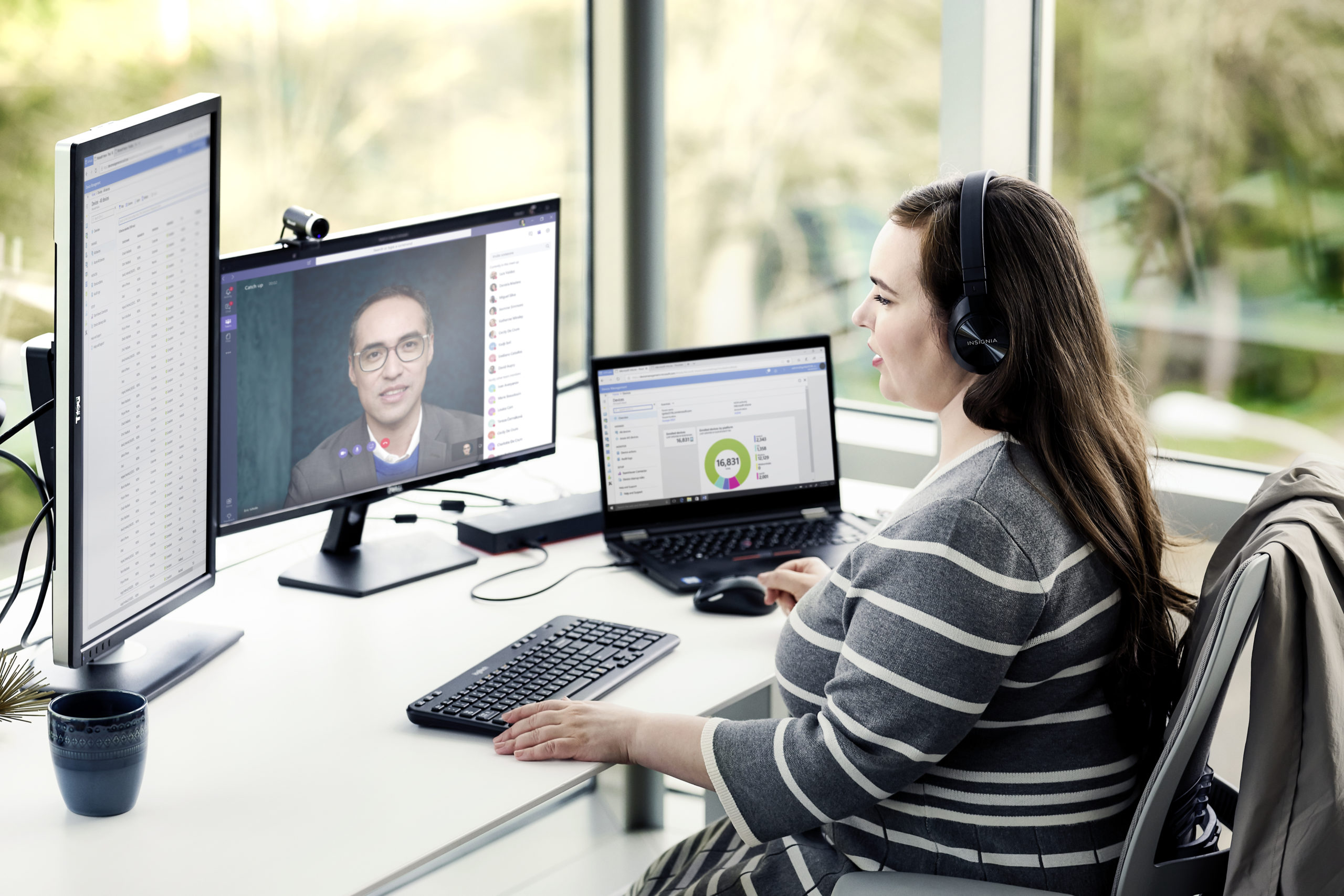

Enabling a team, no matter its size, to work remotely is a challenge and this challenge is different for every organization. Microsoft is committed to its mission to empower every organization in the world to achieve more, leveraging key offerings such as Microsoft Teams and Windows Virtual Desktop.
Microsoft Teams – The Hub for Teamwork
Teams is Microsoft’s collaboration platform. With Teams, you can virtually chat, collaborate, and meet with employees, customers, suppliers and partners. The Microsoft Office apps are built right into Teams, so you can use and share the files you create in Word, Excel, PowerPoint, and Outlook without leaving the tool. Teams allows employees to work remotely, stay connected while they can share in real-time their updates and ideas with each other.
Getting Started with Microsoft Teams
If you are new to Teams, here are a couple of quick links to get an overview of Teams and familiarize yourself with the tool:
- Read the Quick Start Guide
- Watch the Welcome Video
Boost Communication, Collaboration and Productivity with Teams
Microsoft Teams offers unique capabilities for teams, no matter how big or small, to stay connected and informed. Here are a few videos to show you how:
- Communicate through Chat and Calls
- Set up a Team to enable group-wide collaboration with channels, posts, file sharing
- Go to Microsoft Teams Help & Learning site
- Communicate through Meetings and use features such as:
- Be productive with your Activity Feed
Stay ahead with Microsoft Teams
Are you eager to learn more? We ‘ve got you covered:
- Attend an instructor-led training for Microsoft Teams
- Watch Microsoft Teams Training channel on YouTube
- Go to Microsoft Teams Help & Learning site
Plus, we are here to help with useful tips and tricks on balancing remote work from our own experience:
- Staying productive while working remotely with Microsoft Teams
- Delivering online meetings and events
- Helping small and medium-sized businesses work remotely with Teams
Windows Virtual Desktop – The Art of Desktop Streaming
Windows Virtual Desktop (WVD) enables access to company applications and resources through a remote desktop environment served by Azure on almost any device. WVD enables you to deliver a great virtualized Windows and Microsoft Office 365 ProPlus experience while reducing IT overhead with built-in security and management features.
Getting Started with Windows Virtual Desktop
- Read the announcement
- Go through the Quick Start Guide
- Watch the intro video
Advance your skills
If you are good with the basics, here is a list of technical training material to deep dive on the deployment scenarios and administration tasks.
- Windows Virtual Desktop series on YouTube
- Windows Virtual Desktop on Microsoft Azure Docs
- Windows Virtual Desktop learning paths on MSLearn