What is a botnet and how can you stay safe online?
Has your computer ever sent spam emails or run more slowly than usual? These symptoms could mean it’s part of a botnet.
But what is a botnet, how does it work and what can you do to protect yourself online?
Botnets are networks of computers infected by malware and being used to commit cybercrimes.
The cybercriminal or “bot master” uses special malware – called Trojans – that sometimes appear in an infected email attachment or in a link that you can be tricked into opening. Once it’s on your device, the botnet will contact its command-and-control center.
[READ MORE: How Microsoft’s Digital Crimes Unit fights cybercrime]
The attacker can now control your device remotely, or even communicate with other infected devices, to commit identity theft and financial fraud, send out millions of spam emails, or even shut down websites in distributed denial-of-service (DDoS) attacks.
Sometimes, the cybercriminal will establish a large network of bots and rent out or sell access to the zombie network to other criminals.
[READ MORE: Online scammers cost time and money. Here’s how to fight back]
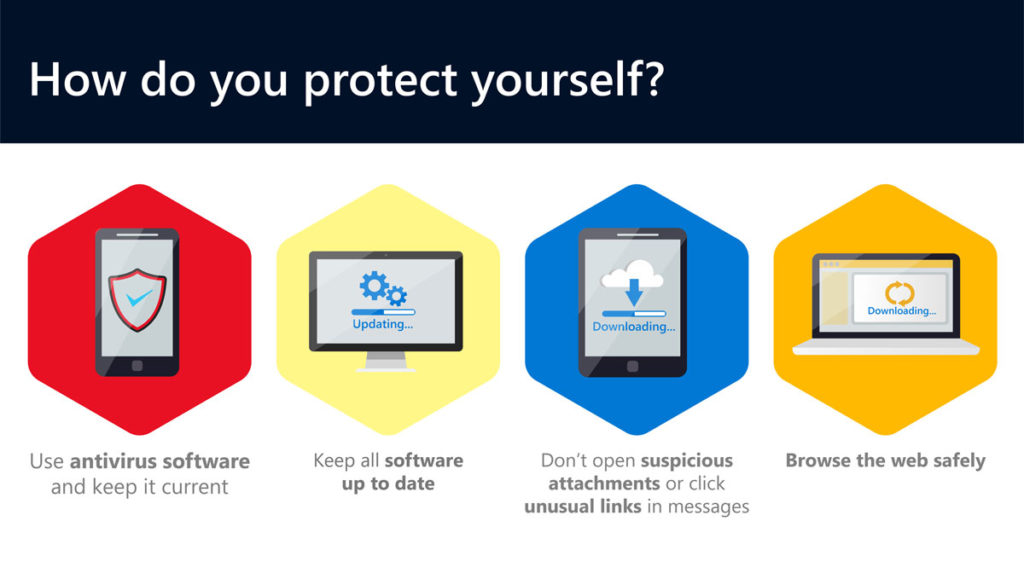
How do you protect yourself?
Follow these key steps to make sure you’re not at risk:
- Make sure you have antivirus software on your devices that checks for malware and removes it. It’s worth noting that Windows 10 and Windows 8 have Windows Security or Windows Defender Security Center already installed.
- Use a firewall – Windows 10 and Windows 8 have an in-built firewall that is automatically on.
- Keep Windows or your operating system up to date by setting your machine to automatically install updates.
- Don’t download any suspicious attachments or click on unusual links in messages. They might be disguised as coming from trusted sources.
- Browse the web safely and use a modern browser such as Microsoft Edge, that can help to block malicious websites and code. Only download software from trusted websites.
- Make sure your passwords are protected.
For more on cybersecurity and the work of Microsoft’s Digital Crimes Unit, visit Cybersecurity. And follow @MSFTIssues on Twitter.