Our accessibility commitment
-
Doubling down Microsoft’s next steps to expand accessibility in technology, the workforce and workplace
-
Our approach Why we continue to innovate and design to give everyone the ability to achieve more
-
Ability Summit Join us to learn about the future of accessibility and inclusion
-
Accessibility stories Read about people who are shaping accessible technology and empowering others
Bridging the Disability Divide
Key resources
Video gallery
Customer stories
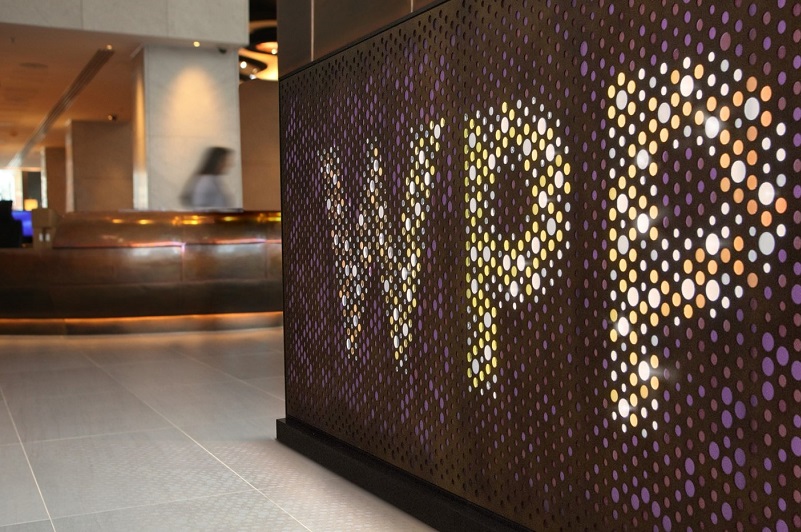
WPP
This company promotes accessibility and inclusion in advertising with Microsoft AI solutions.
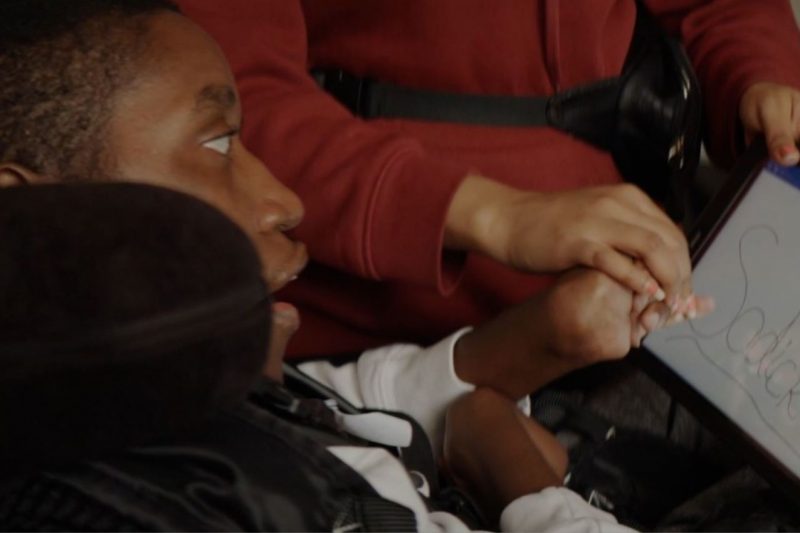
SeeAbility
This nonprofit provides ambitious support for people with sight loss, learning disabilities and autism.

Fannie Mae
Employees at Fannie Mae are working to educate their organization about leveraging accessible technology.
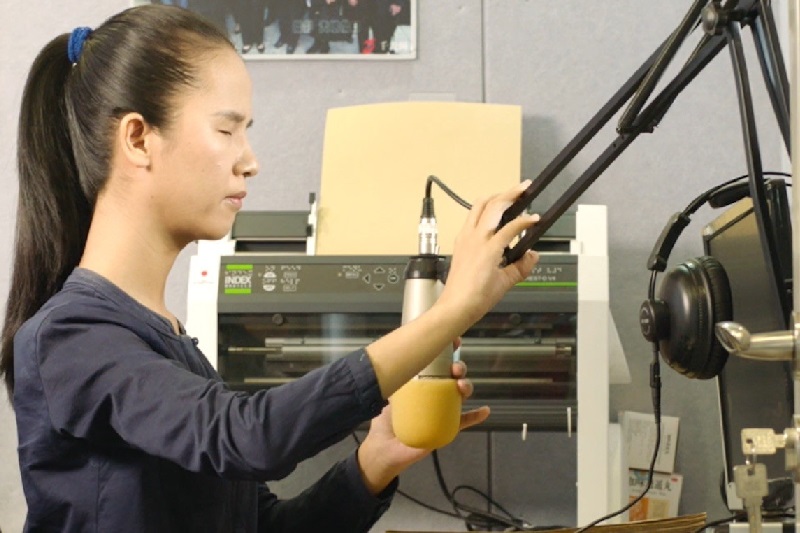
Hongdandan Visually Impaired Service Center
This nonprofit uses AI to create high-quality audiobooks for people who are blind or have low vision.
Investing in inclusion
Making sure content is accessible should be as simple – and as automatic – as checking spelling. Across our products, we are investing in tools that make it easier to be inclusive using AI, contextual reminders and new features designed in collaboration with people with disabilities.
Immersive Reader in PowerPoint assists with comprehension and attention when viewing slides and notes.
Dark Mode in Word helps reduce eye strain and accommodate light sensitivity by extending the Black Office theme to the document canvas.
PowerPoint Live in Microsoft Teams enables attendees to access shared content using screen readers and soon, to shift their personal view to high-contrast mode.
Accessibility Checker suggests edits to help you make your content accessible to everyone.
Dictate in Microsoft 365 lets you use your voice to quickly create documents, emails, presentations and more.
Designer helps you create polished documents in Word for the web and will soon identify places where using Styles would improve accessibility.
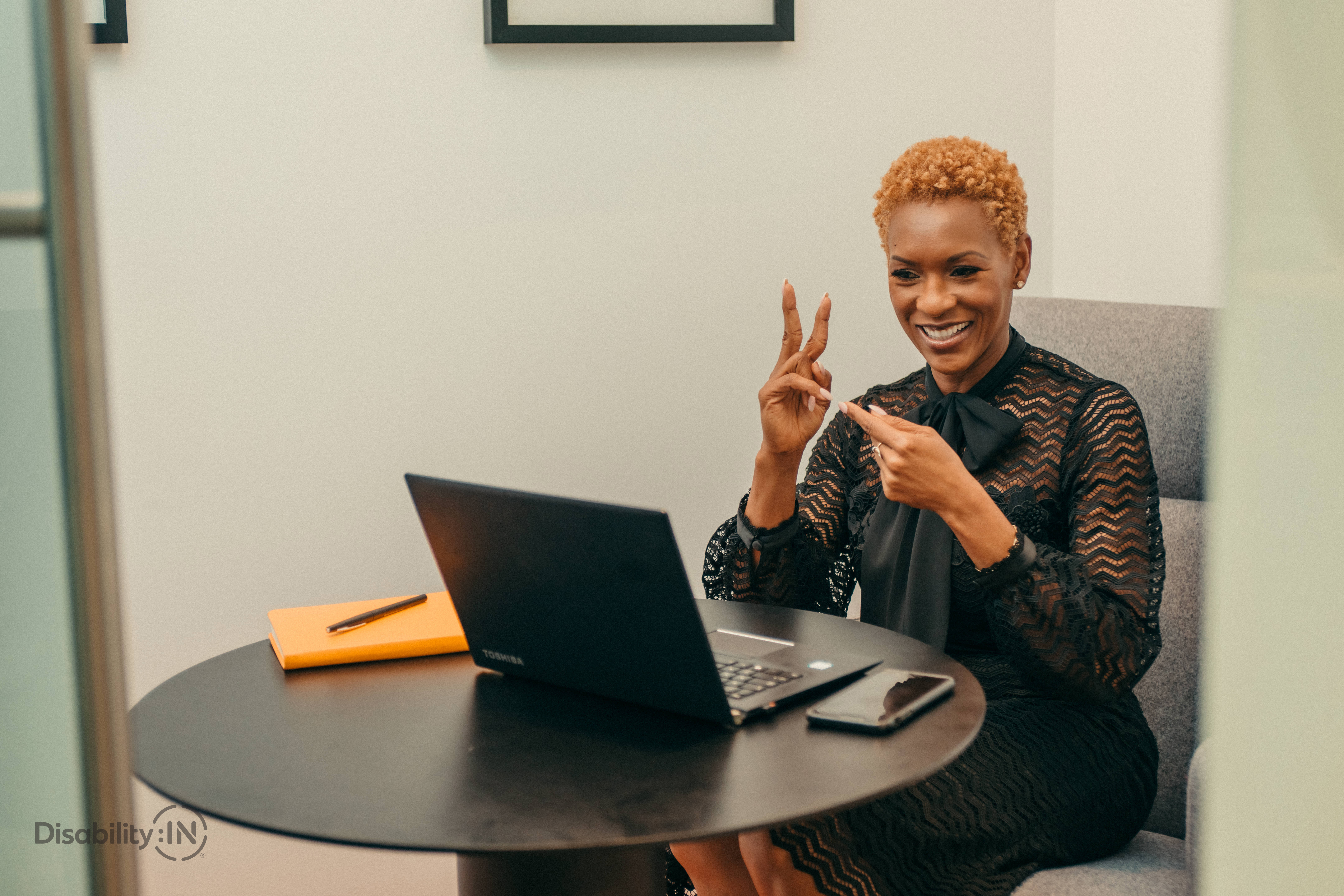
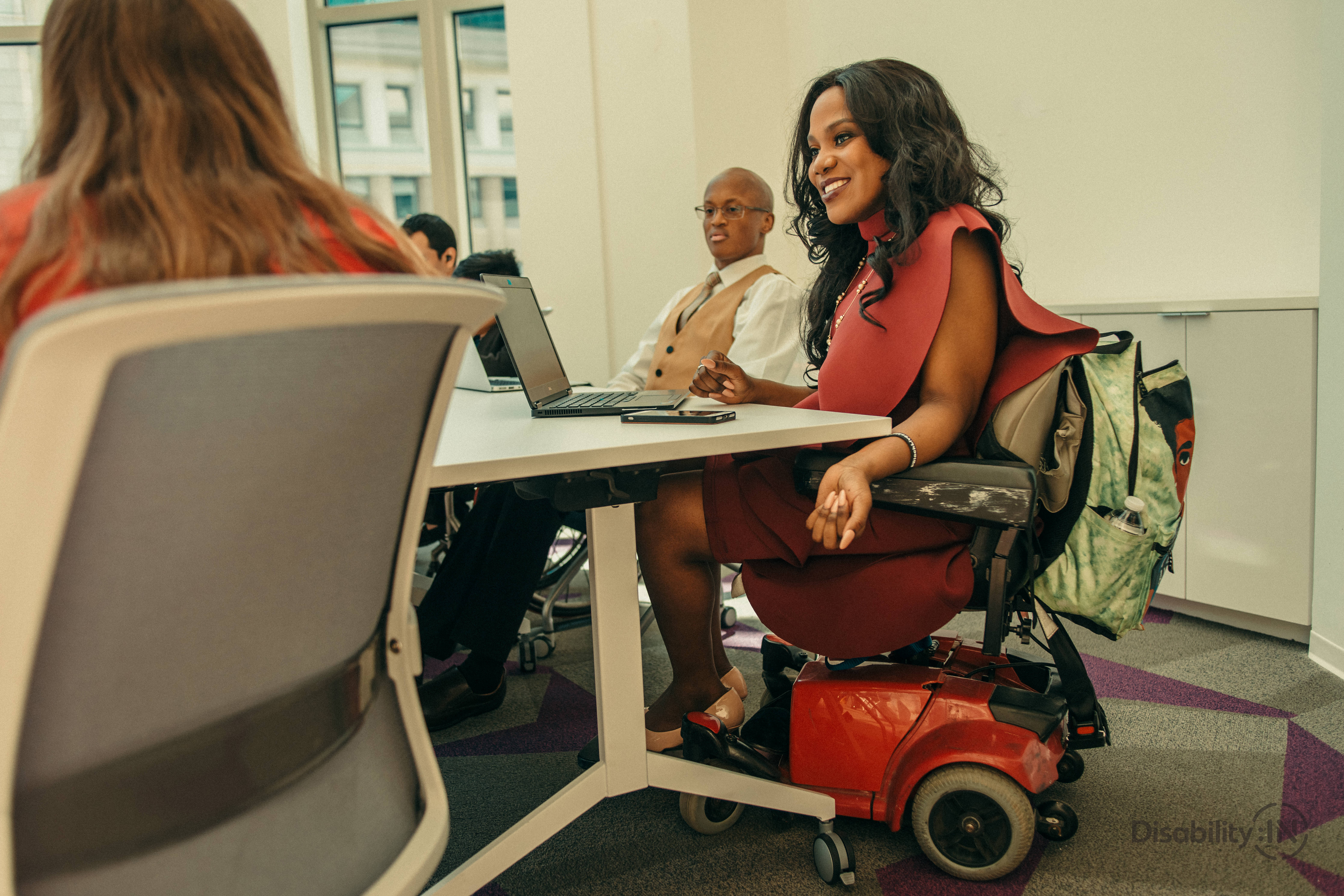
Lead image: Top left and center photos by Jordan Nicholson are courtesy of Disability:IN and licensed under CC BY-ND 4.0; others are from Getty images.