Skip to content

As margins shrink and expectations rise, retail turns to AI

Retailers face shrinking margins, labor shortages and rising customer expectations. While AI isn’t a cure-all, agentic AI can drive agility, personalization and innovation in the retail space — but only as part of a broader strategy.

Two separate scenes: one shows a person holding a baby in a carrier while shopping, the other shows someone receiving a coffee cup at a counter.

Jared Spataro: The jobs question isn’t about AI, it’s about us

AI is reshaping jobs faster than past tech revolutions, Jared Spataro, Microsoft’s chief marketing officer of AI at Work, says in a new post. Productivity is rising where humans and AI team up, but the future hinges on choices we make now. The question isn’t what AI will do to jobs  — it’s what we will do to shape the outcome.

A collage with a light purple background featuring three sections: a cityscape with tall buildings and smoke or fog on the left, a highway leading to the horizon with a yellow circular pattern at the end in the center, and modern skyscrapers under construction against a blue-to-orange gradient sky on the right.

Microsoft Reading Coach, Immersive Reader and Copilot get classroom upgrades

Microsoft Education’s latest updates include AI-powered lesson planning in Copilot, expanded multilingual support in Immersive Reader, and new features in Reading Coach for personalized practice and progress tracking. The goal: help educators streamline prep and support diverse learners with tools that adapt to individual needs.

Teacher assisting a student working on a laptop in a classroom with desks, chairs, and large windows in the background.

From blocks to bots: Minecraft brings adventure to AI coding 

Minecraft Education and Code.org’s Hour of AI turns coding into an epic quest. In “The First Night,” students use MakeCode and Python programming to teach a blocky Agent to recognize patterns, classify resources and coordinate mini-agent helpers – all while battling zombies. It’s coding meets adventure, with AI as your ultimate sidekick.

Real-time feedback, guided practice: Reading Coach gets smarter

Reading Coach now gives real-time feedback as students read aloud — tracking pronunciation, syllables and progress. Educators can assign tailored practice, set time goals and monitor growth, making it easier to support every learner’s reading journey with AI that listens, adapts and guides. 

Teacher and student interact at a table with laptops and paint supplies in a classroom setting.

The time of year when teams turn into pumpkins

Fun fact: “Turn into a pumpkin” isn’t just bedtime-story lingo. In the tech biz, it’s shorthand for sudden drop-offs — whether it’s a mystery spike in traffic vanishing overnight or the year-end slowdown when teams thin out and builds stall. It can also be the cue to wrap things up before everyone disappears into holiday mode. Just a fun fact, in case you want to sound “in the know” in tech circles. Or at holiday parties.

Futuristic pumpkin with glowing blue and orange circuit board design on a dark background.

The future of work is here. Is education ready?

Work is changing fast, and education needs to catch up. While some people might see that as a crisis, Jared Spataro, the Microsoft CMO of AI at Work, writes in a new blog that it should be considered an opportunity. “When the ground shifts beneath us, we can stand still and react or step forward and shape what comes next,” he says. Read more about the future of AI in education.

Graduation cap floats above green hills, its tassel morphing into yellow data lines. Abstract shapes suggest a tech-powered future for education.

Java meets AI: Start smart with a beginner-friendly video series

Curious about generative AI in Java? This beginner-friendly video series takes you from first steps to advanced AI techniques. Watch the episodes in order for a smooth start or skip ahead to more advanced topics including deploying to Azure and building agents. It’s a practical way to learn and apply AI concepts in Java development.

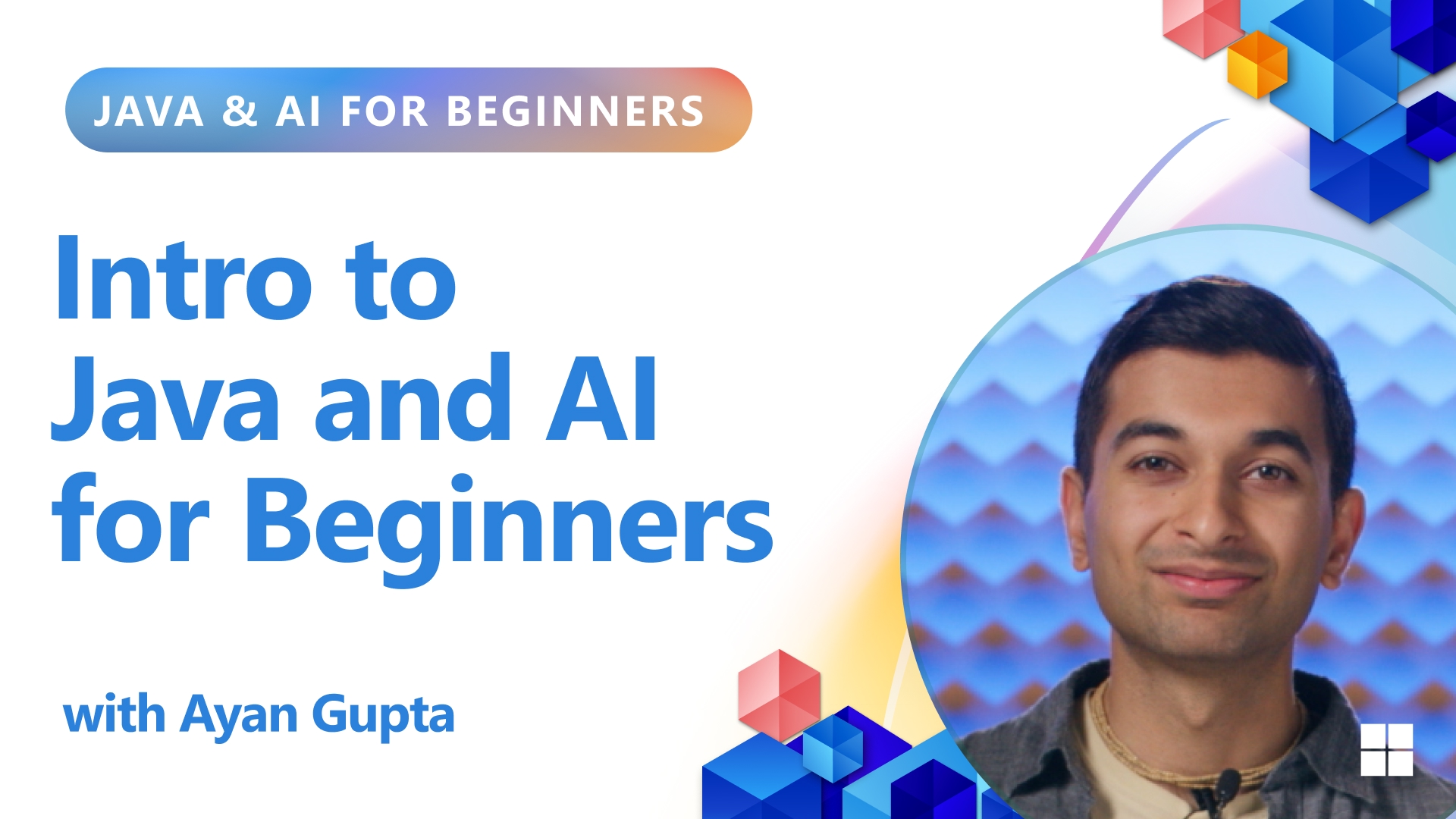
Promotional graphic for “Intro to Java and AI for Beginners” featuring instructor Ayan Gupta. The design includes bold blue text, geometric accents in red, orange, and blue, and a headshot of Gupta against a blue patterned background.

Datacenters are the backbone of the internet — take a tour

Datacenters are where infrastructure magic happens — massive, high-tech spaces packed with servers, networking gear and storage systems. Whether you’re binging your favorite show or firing off emails in Outlook, it’s all running through these behind-the-scenes hubs. 

Curious what it actually looks like inside one of these digital powerhouses? Take the tour and see where the internet gets its muscle. 

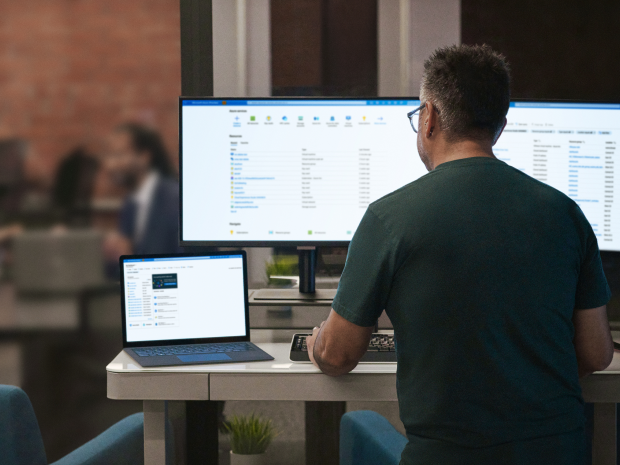
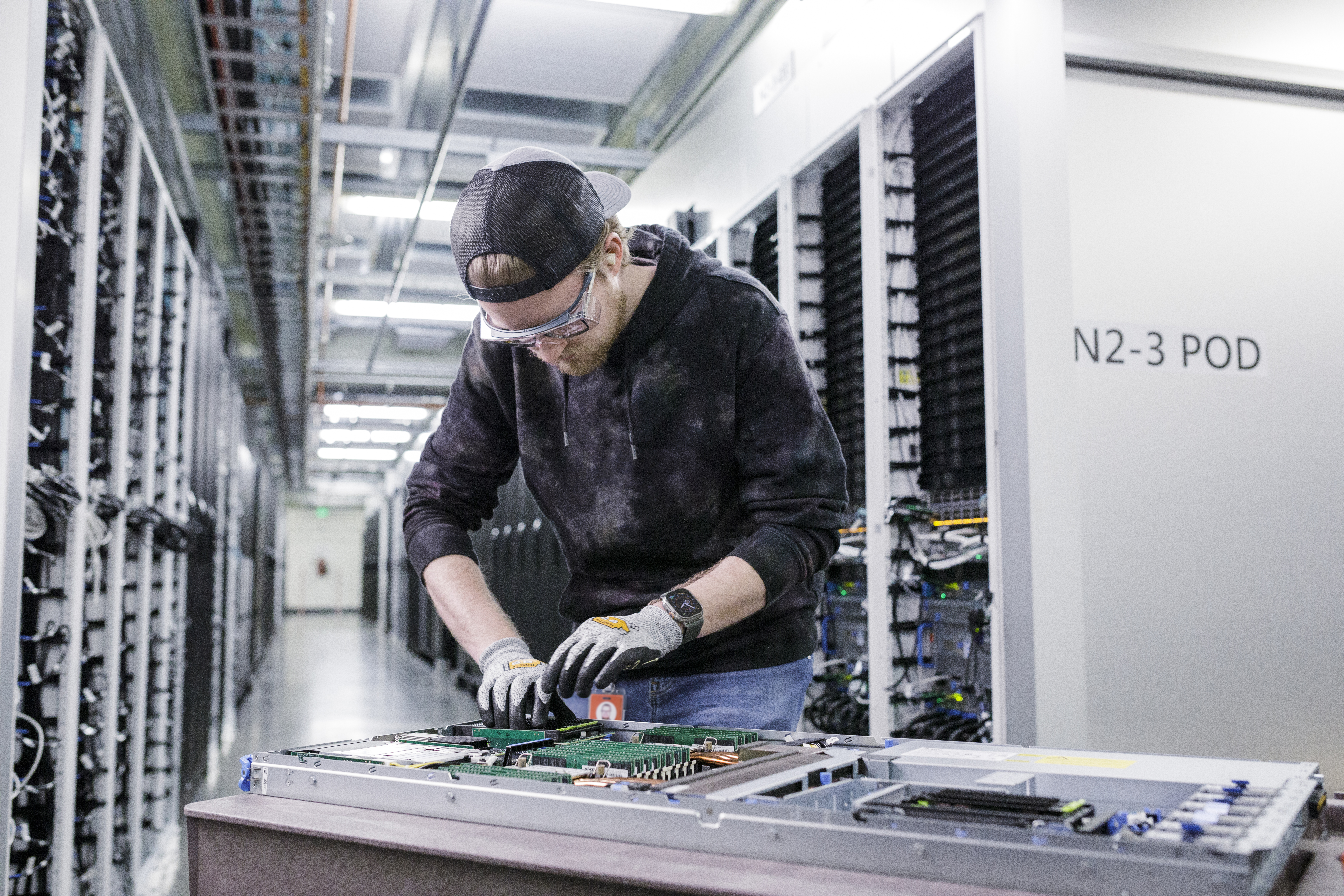
A man works on a server rack inside a datacenter.

10 steps to transform your business with AI

Vodafone didn’t build the infrastructure, they built the impact. By going all in on generative AI and rolling out Copilot companywide, CTO Scott Petty says they saw returns in just six months  —  and the secret was partnering with hyperscalers like Microsoft instead of DIY-ing their AI tools. Read Petty’s 10-point plan for AI adoption fromSignal magazine.  

Man with gray hair and beard speaks into a headset mic, set against a vivid red and purple neon backdrop with starry yellow accents.

A developer’s guide to smarter fine-tuning with Azure AI Foundry

Foundation models are powerful for developers focused on AI, but they’re generalists by design. When precision matters, especially in domain-specific applications, fine-tuning is the key. Azure AI Foundry helps teams fine-tune pre-trained models with their own data — making it easier to build agents, tools and workflows that fit real business needs. Check out “The Developer’s Guide to Smarter Fine-tuning” here. 

Paint roller smoothing code: “The Developer’s Guide to Smarter Fine-tuning” with Azure.

Talking tech: 10 terms to sound brilliant

AI is reshaping the workplace, and we’re all just trying to keep up. The latest buzzwords are always changing. Take training and inference — the two steps needed to create and use an AI system. Training is like school for AI: it’s fed a data set and learns to perform tasks or make predictions based on that data. Inference is when it uses what it learned during training to make predictions.

Here’s a helpful guide to AI terms everyone should know. 

Abstract 3D model with translucent cube panels and floating colorful shapes, suggesting data flow or neural networks

3 major ways AI will shape business in the future

AI is already transforming how businesses operate, and that shift will become even more profound in the future, says Microsoft’s Jared Spataro. The AI-enabled workplace, he says, will bring three significant changes that pose both challenges and opportunities for businesses – less expensive specialization, human-agent collaboration and rapidly compounding knowledge. 

Digital collage blending nature and technology: a black-and-white ripple in water overlays a mountainous landscape, surrounded by bright geometric shapes and circuit-like patterns in lime green, turquoise, and white.

Microsoft redesigns Office icons for the AI era

Microsoft is rolling out a subtle refresh of the company’s Office app icons. But the swap to more gradients, fluid forms and vibrant colors is reflective of more than just changing design tastes: the new icons are meant to feel like an invitation to collaborate across Microsoft 365. Read more about the design and style of the new look here. 

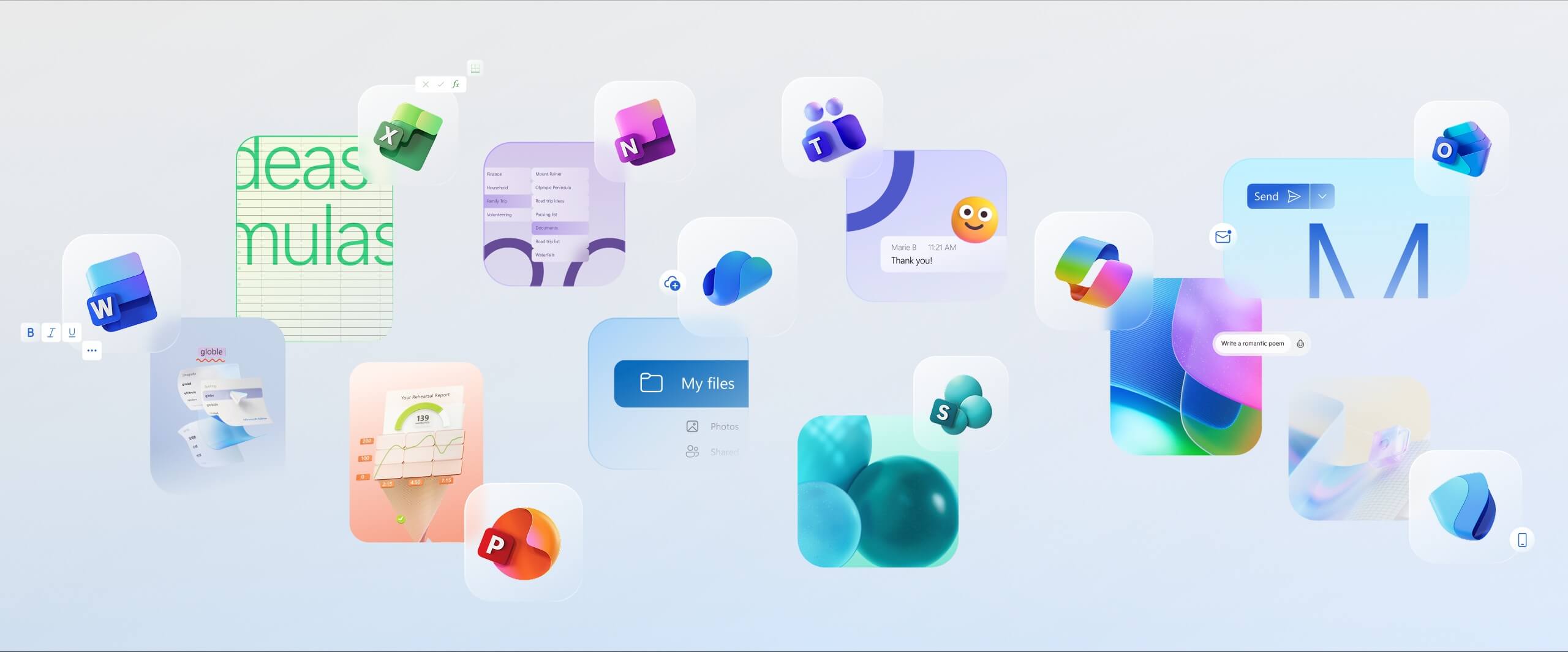
Graphic showing Microsoft 365 apps like Word, Excel, Teams, and OneDrive floating over a light background, highlighting collaboration and productivity.

Thinking outside the prompt: 10 creative uses for Copilot

Back in the day, you might have had to crowdsource life advice from your group chat or silently spiral. Now? You’ve got Copilot. Whether you’re dabbling in new hobbies, trying to organize the chaos or just pretending to be put-together, Copilot can help. Check out 10 creative ways to let AI do the heavy lifting. 

A mother and child make paper crafts on their living room floor.

3 things you’ll see at AI-first companies

AI-first companies aren’t just adopting techthey’re reshaping work. And in the most forward-looking organizations — the Frontier Firms — there are three clear patterns behind their success. Software development is leading the charge, but you’ll soon see these patterns pop up in industries and businesses of all sizes. Learn how these three things could make the future of work less grind and more glide. 

Purple and yellow gears above a landscape of a lake and mountains.

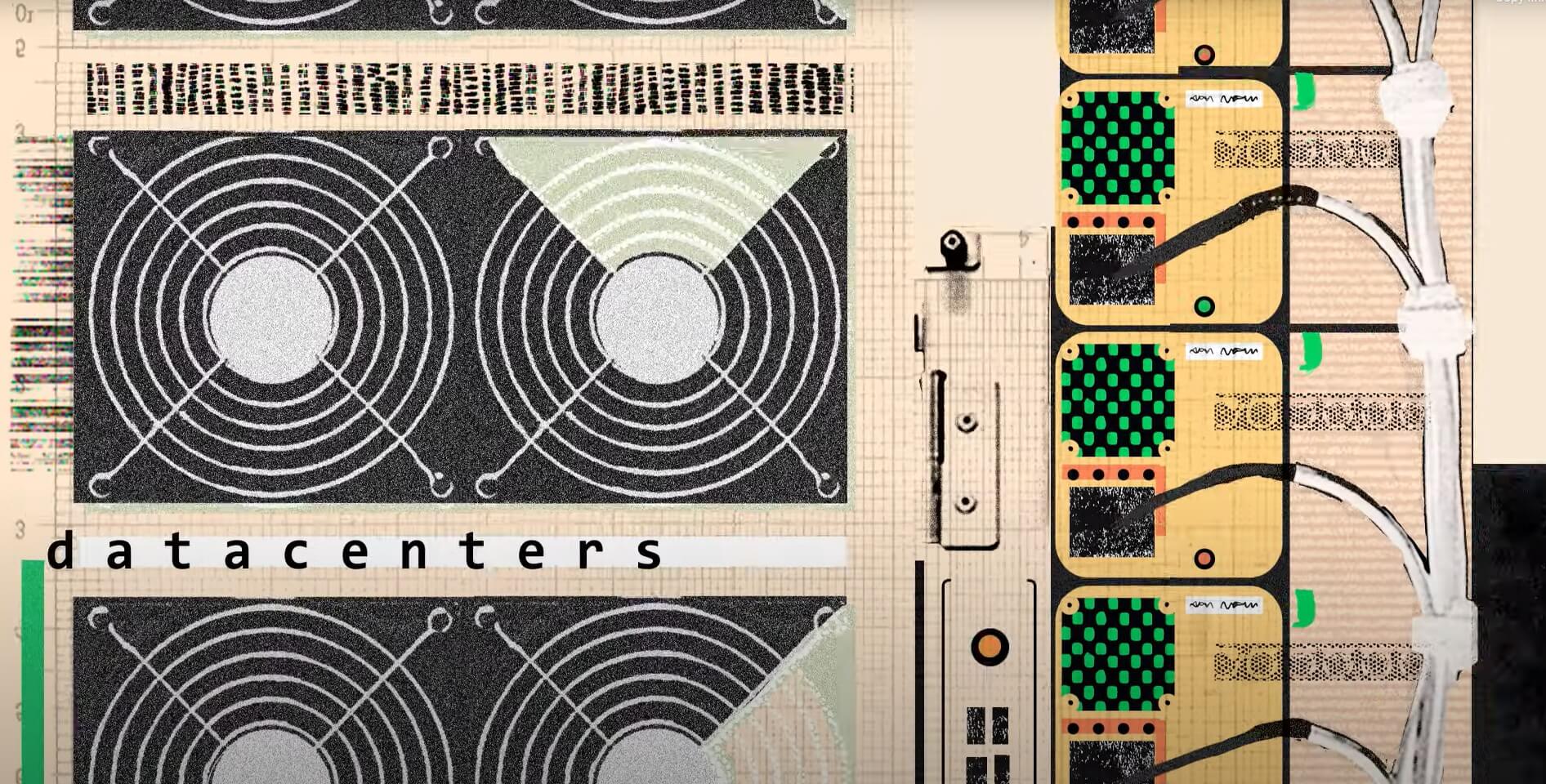
Datacenters are the real MVPs of online life

Think your life runs on caffeine and Wi-Fi? Wrong! Your digital life actually runs on datacenters. These behind-the-scenes workhorses are working overtime to keep your email running and your Copilot chatty — all day, every day. 

Hit play to see how they power your world.

Meet NPU, the AI engine built for Copilot+ PCs

Inside Copilot+ PCs is a tiny but powerful AI enginea neural processing unit Microsoft developed with silicon partners. With these NPU chipsyou can run multiple AI-driven tasks simultaneously – such as professional grade AI editing and complex lighting adjustments to photos – more efficiently, using less battery power. NPUs also help you find things faster on your Copilot+ PC with improved Windows search.

a pile of computer parts

How new AI software is transforming event planning

Event management is all about details. For event planners, that usually means operating across silos. Now, thanks to a new AI-driven program developed by InEvent and Microsoft, systems talk to each other, and planners don’t have to manually sync five platforms just to keep an event on track. 

Three people sit around a laptop in an office setting.

Your screen, decoded: Copilot Vision sees what you see

If you’ve ever wanted your PC to actually understand what’s on your screen, Copilot Vision is your moment. Now available on Windows, once enabled, it sees what you see and responds in real time — offering insights, answers and a lifeline when you’re buried in tabs. 

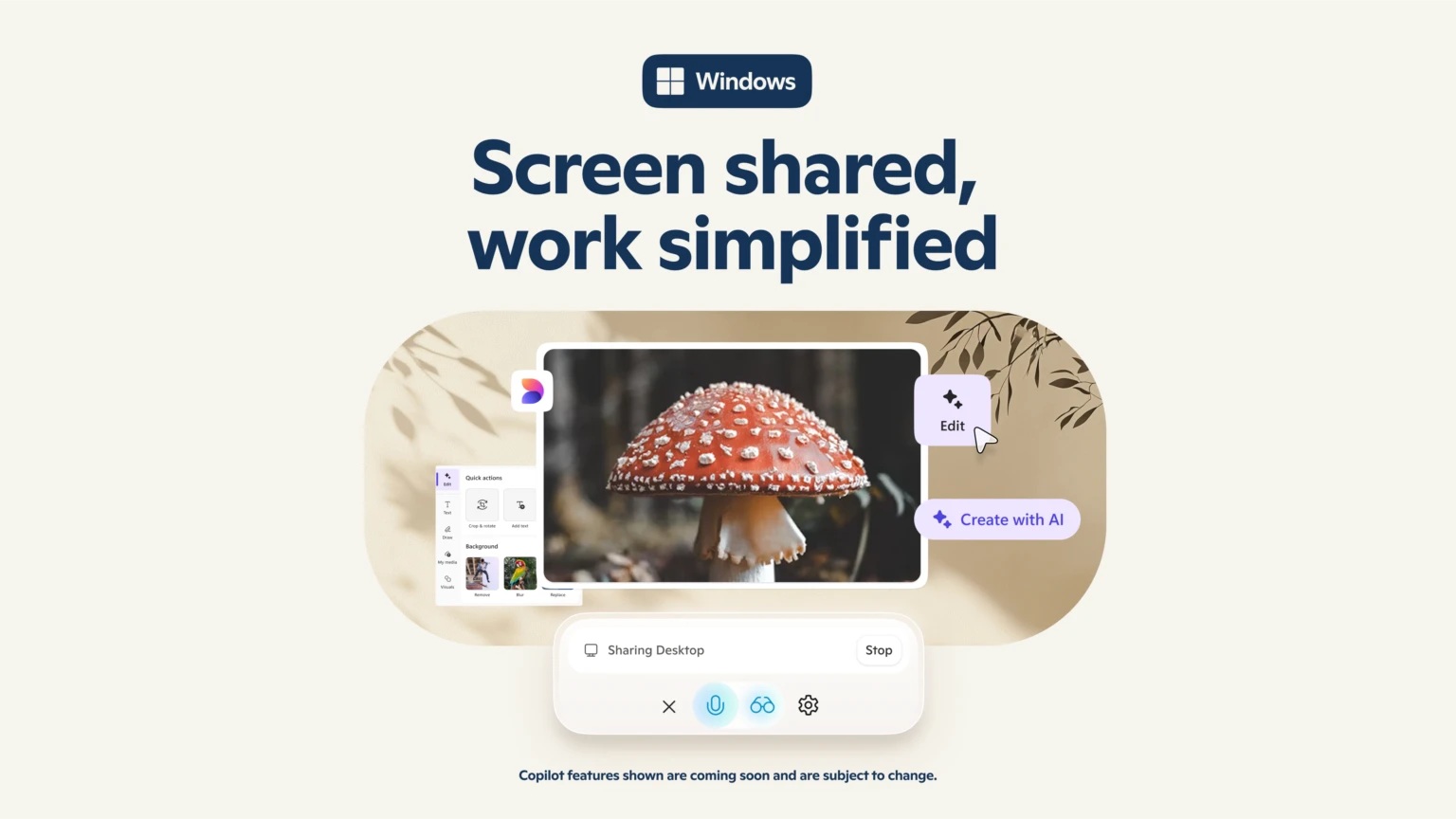
Promotional graphic for a Windows screen sharing feature, showing a shared desktop with an image of a red and white mushroom and AI editing options like “Edit” and “Create with AI.” A control panel labeled “Sharing Desktop” appears at the bottom with a “Stop” button. The design includes soft leaves and warm tones, with the tagline “Screen shared, work simplified.

Meet the AI assistant that does huge tasks in minutes

A new AI agent in Microsoft 365 Copilot is like having a super-efficient assistant built into your everyday tools, helping you do more and save time. Researcher can analyze mountains of data to give you insightful expertise in minutes, whether you’re preparing for a big meeting or brainstorming new product ideas. Learn more about what it can do for you.

An illustration of a woman in a blue blazer at a laptop. Text behind her says "Researcher."

Why some headlines about AI research miss the point

If you’ve read the headlines lately, you might think that AI is either about to take your job  or fail spectacularly trying. The truth, as always, is more nuanced. Learn more from Jared Spataro, Microsoft’s Chief Marketing Officer of AI at Work, about how a lot of the context gets lost in translation. 

Stylized collage of green-tinted hands holding a yellow-paged newspaper with dense text and a small bar graph. The background blends analog and digital elements—gears, grids, charts, and mountain imagery—alongside abstract blue and purple shapes, suggesting themes of data, media, and technology.

AI gets the picture (literally) with multimodal technology

AI can’t perform surgery or give you a hug, but it’s advancing fast. Now multimodal, it can process, analyze and transform different types of data — like turning text and images into a personal audio briefing or identifying a vacation spot from a friend’s video.

Plus, it can answer your questions and provide the right information faster.  

Learn more about multimodal AI. 

A shape in the middle of several icons like a Picture icon and Aa (font) icon.

How one law firm CEO uses AI to stay ahead

As the CEO of Australialaw firm, MinterEllisonVirginia Briggs used to dread starting her day with a blank page. But now she’s traded paper binders for AI prompts and uses Microsoft 365 Copilot to prep meetings, summarize her inbox chaos and shape strategy on the fly. Learn more about how this top exec is using it for everything from client prep to boardroom decisions.

Smiling photo of Virginia Briggs in front of a vibrant, geometric-patterned background.

Xbox Game Camp supports new wave of game developers

Since 2020, Xbox Game Camp has been booting up the next wave of game devs — creators, storytellers and studios leveling up from Ukraine to New Orleans. With hands-on workshops, expert panels and tailored content for every skill level, it’s part bootcamp, part brain trust. Check out some of the past attendees’ success stories here.

Person working on a laptop connected to a monitor displaying a colorful video game, surrounded by others in a collaborative tech workspace.

AI is this school district’s secret to smarter learning

Change is in the air — and Fulton County Schools in Georgia is leaning into it. By using AI to personalize learning and boost student engagement, they’re not just keeping up — they’re setting the pace. Teachers and staff are also seeing the benefits, with reduced administrative workloads freeing up time for what really matters.  

Read more for what other schools can learn from their approach.

Math class gets a tech boost with Math Progress

Teachers have a new way to support struggling math students without the guesswork. Math Progress, built into Microsoft Teams for Education, can generate quick assessments, track proficiency in real time, and assign targeted practice for students. Learn more about this  clean, data-driven way to sharpen math skills and stay ahead of classroom needs.

A female teacher helps a male teenage student in a classroom setting as the two look at a laptop.

Can AI take your meetings from meh to mesmerizing? 

We all know the agony of a truly awful meeting. Maybe you ran out of time to prepare, or you’re struggling to focus the discussion — or worse, people appear to be nodding off. 

AI is here to help. Here are nine ways Microsoft Copilot and other AI tools can help you master your meetings.   

Still human, still hired: 3 career skills that outperform AI

AI’s shaking up the workplace automating the repetitive, spotlighting the creative and turning skill-building into the new hustle. But in an era where technology can assist more than ever, your edge lies in being distinctly human. Here are three must-have career skills worth doubling down on. No code required.

Three circles form a Venn Diagram with the words "Think," "Learn" and "Adapt" on a green background.

New AI video tool turns your text into short clips 

Now you can type out an idea — literally just words — and turn it into a five-second vertical video clip Bing Video Creator is fast, free and powered by OpenAI’s Sora model. The videos are saved for up to 90 days, so you can share, remix or just admire your handiwork later. This new tool brings the visuals; you just bring your imagination. 

On the left, a turtle swims through the ocean. In the middle, a tiny astronaut explores a mushroom planet. On the right, a hummingbird flaps its wings.