Skip to main content Official Microsoft Blog Microsoft Source Asia Canada Europe, Middle East and Africa Latin America Top News on LinkedIn The Monthly Tech-In For Press
Skip to content

Everyone got Copilot. Chaos and creativity ensued

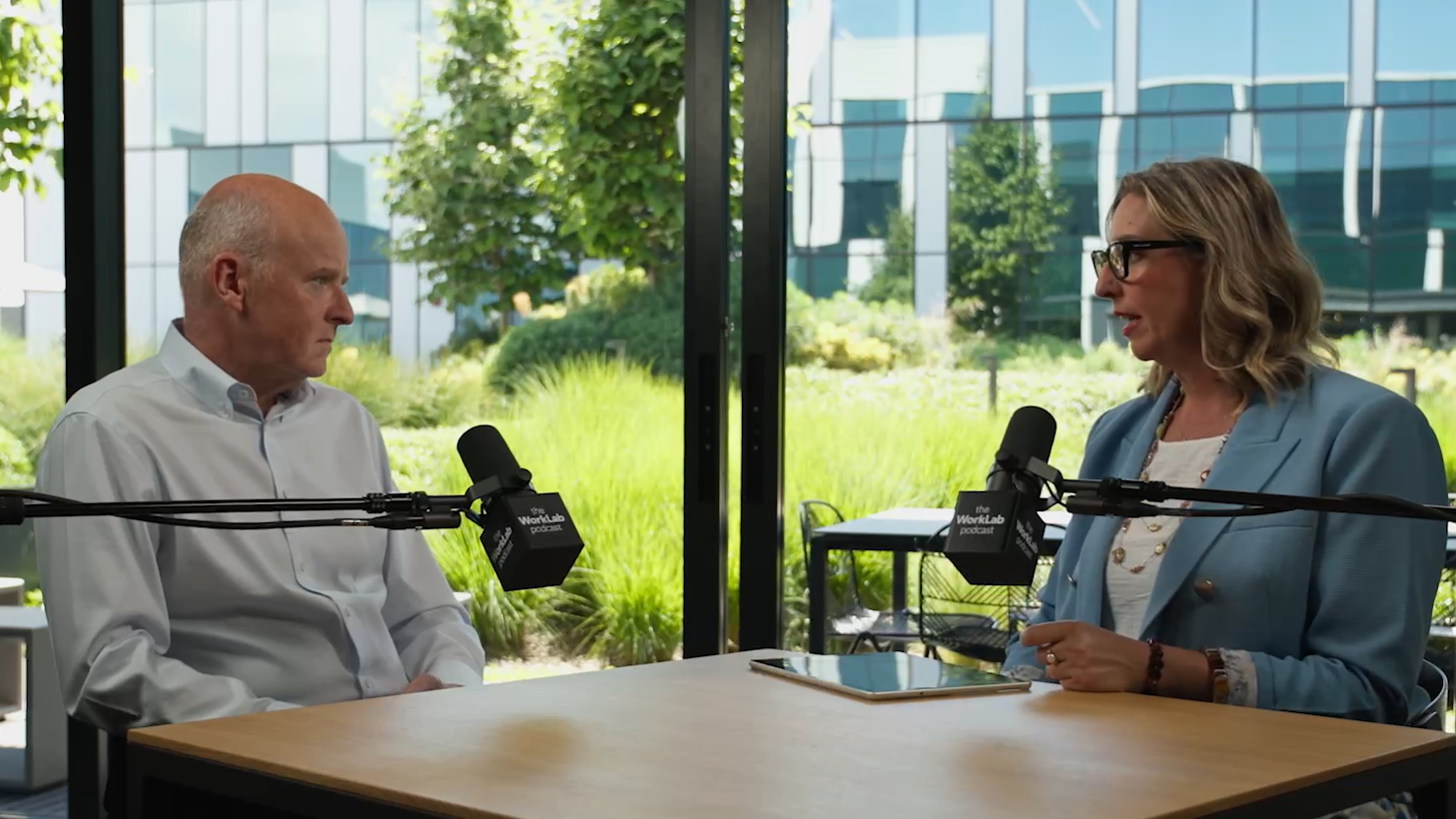
When market research firm Kantar handed Copilot licenses to every employee, chaos and creativity erupted. Andy Doyle, the company’s chief people and agent officer, joins the WorkLab podcast to share how a wave of maverick experimentation led to the creation of more than 15,000 AI agents and an “agent factory” that’s reshaping the enterprise. He explains how the experiment pushed leaders  to rethink control, scale and what’s possible when you let employees drive transformation.  

Two people seated at a table, speaking into microphones in a podcast-style interview setting.

4 ways companies can turn AI into meaningful results

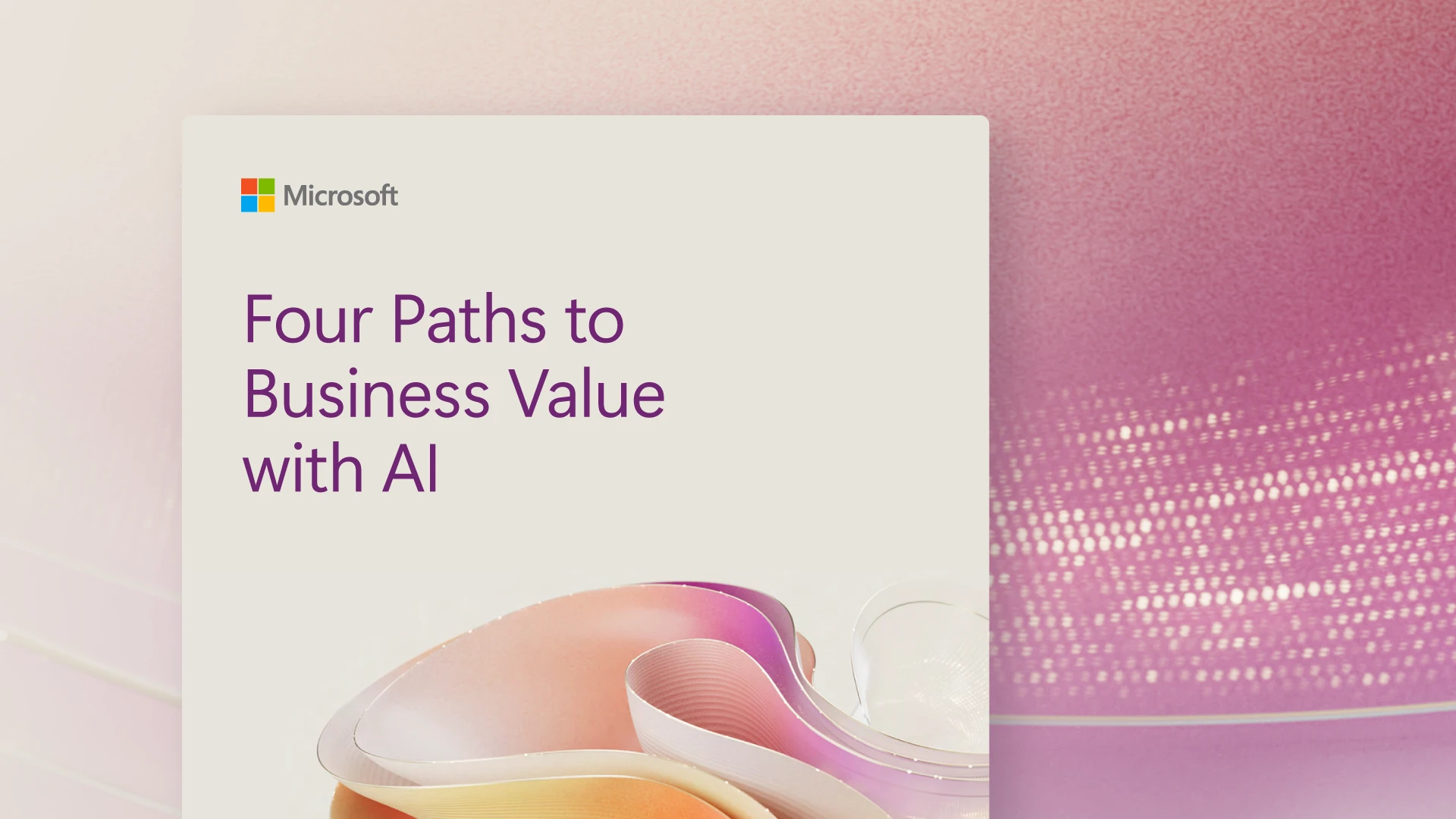
As AI moves from experimentation into implementation, some companies are struggling to translate early momentum into broad business impact beyond isolated use cases. A new e-book from Microsoft explores why progress may stall and outlines four key areas where organizations are focusing to get more value from AI.

Generating response  Copilot said: Microsoft cover image titled “Four Paths to Business Value with AI,” with abstract pastel shapes on a pink gradient background.

New book shows how leaders can build trust when everything is changing

A few years into her time as a technology leader, Julie Averill started asking herself a question she couldn’t shake: What is this actually for? As CIO at lululemon and REI, the work was clear on paper, but her real impact showed up somewhere else.
In her new book, “Chief Impact Officer,” she unpacks that shift — and what it takes to build trust with your team when technology is changing fast.

8 unexpected things disability can teach us about leadership

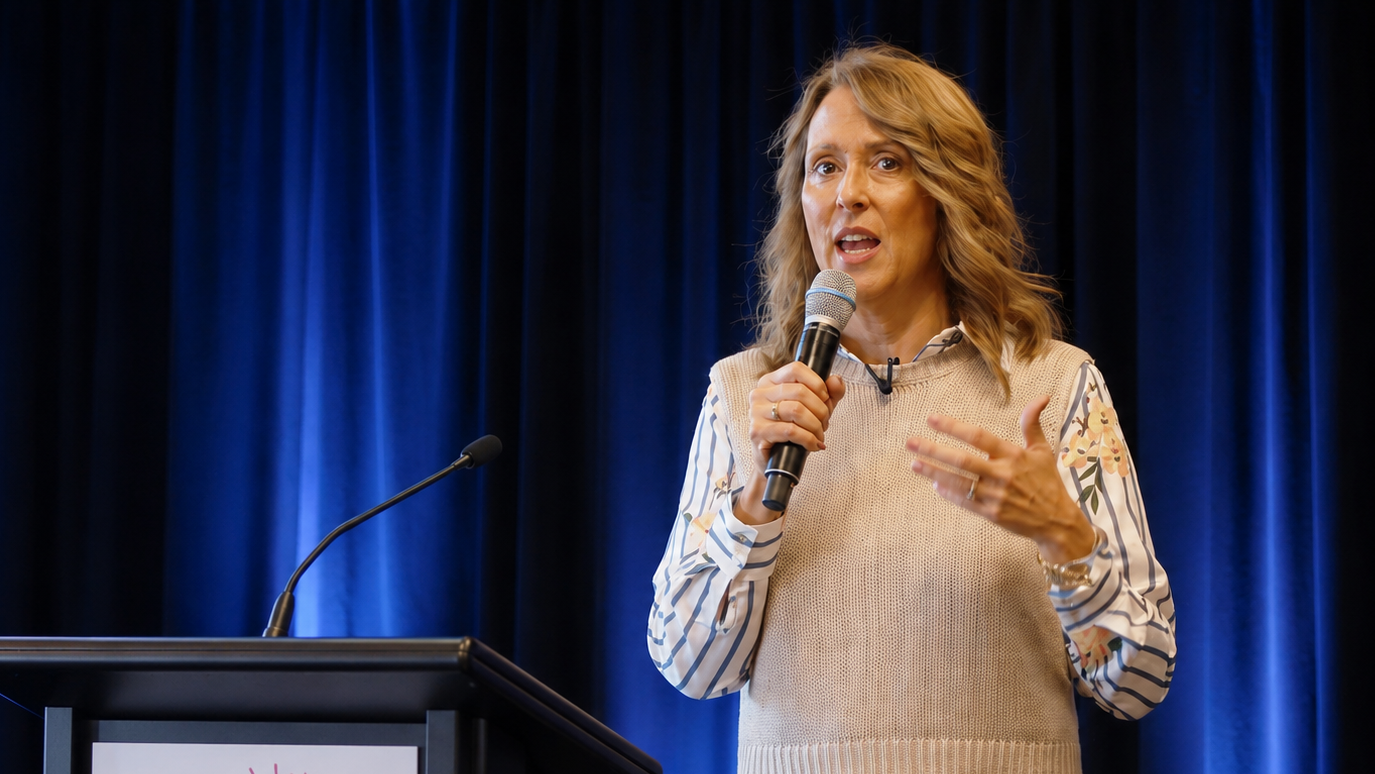
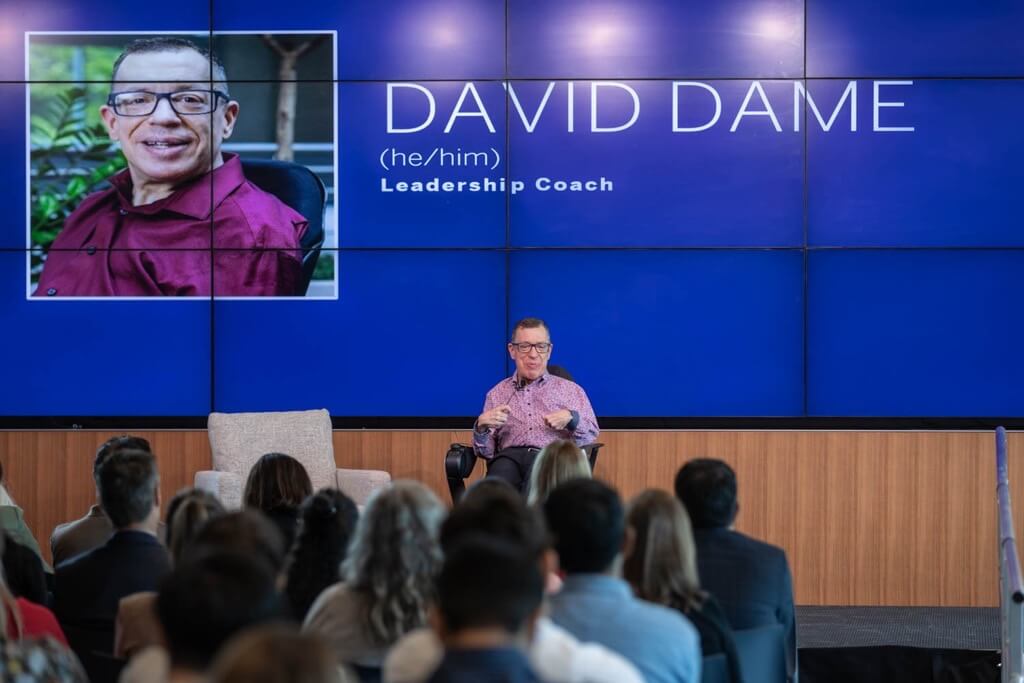
What can disability teach us about leadership? Microsoft design leader Dave Dame shares lessons from his life with cerebral palsy—from learning to embrace imperfection to building trust and better teams along the way.

Dave Dame presenting to an audience with his name and title displayed on a large screen behind.

5 lessons from the front lines of workplace AI

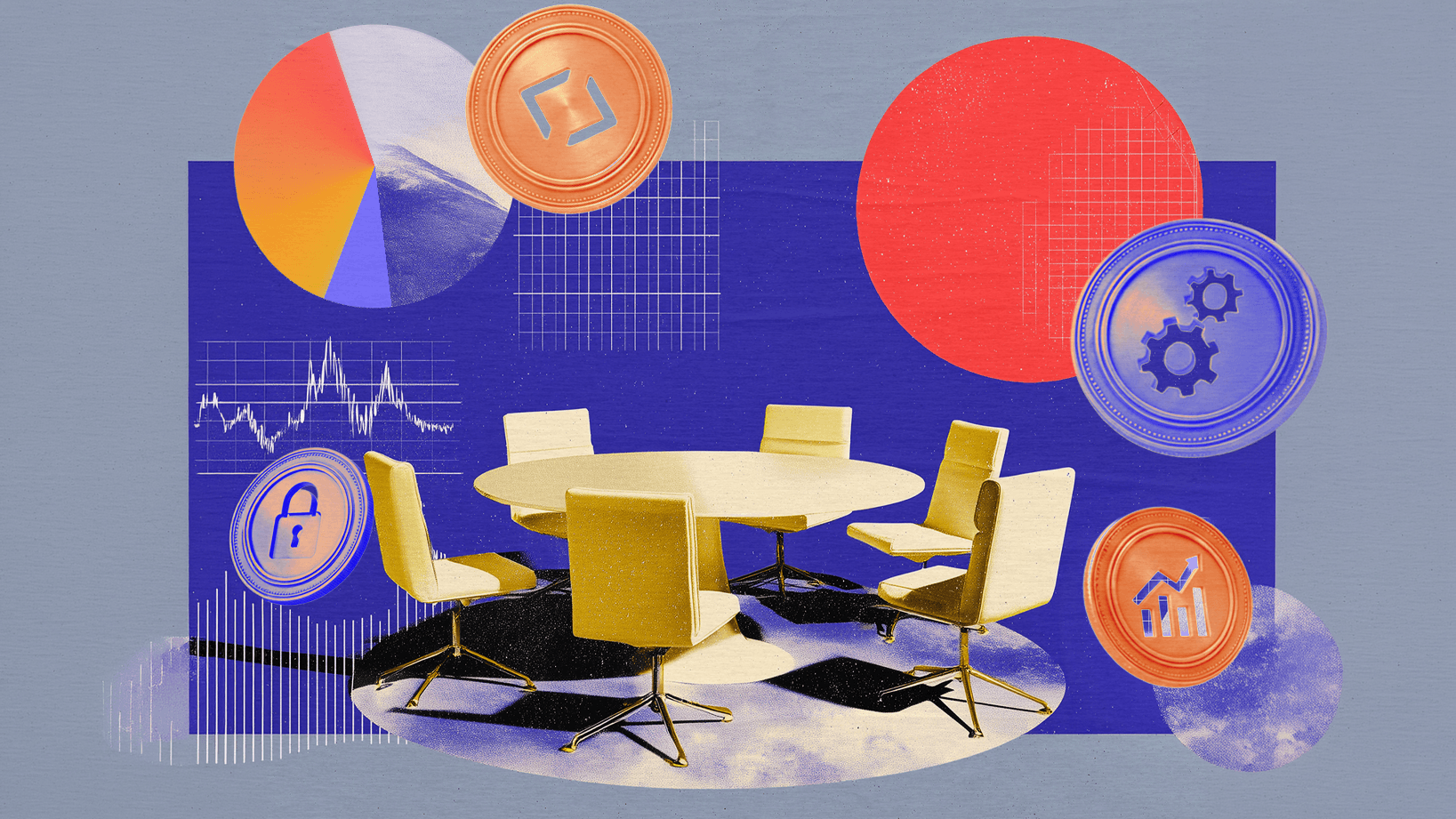
The world of AI is moving too fast for any organization to figure it out alone. That’s why Microsoft recently convened 250 customers at the leading edge of AI transformation for a summit. The goal was to shorten the distance between the teams building Copilot and the people actually using it. As Jared Spataro, Microsoft’s chief marketing officer of AI at Work, writes in a new post, they learned the reality is that AI results depend more on leaders’ choices than the tools they buy. Read on for the five major takeaways from the summit about AI adaption in the workplace.

Stylized collage of a conference table and chairs with charts, icons, and data graphics in bold colors.

The Prompt: A just for fun handwriting analysis

It’s nothing scientific, but you can turn your handwriting into a fun little window to your personality. With just a Copilot prompt and writing sample, get basically a horoscope for the way you write your grocery list.

Collage of colorful geometric shapes with a torn-paper label reading ‘The prompt.’

Why AI hits a wall inside some organizations

There’s a growing gap between what AI can do and how companies actually use it, and it’s causing frustration in the business world. But the friction slowing things down may be necessary: the systems that manage data, permissions and workflows are what let AI scale. As Jared Spataro, Microsoft’s chief marketing officer of AI at Work, writes in a new post, progress won’t come from experimentation alone. It will come from structural work that eventually makes the once shiny and new technology fade into the background.

Light switch casting a beam of light through abstract geometric shapes and circuitry layers

Adopting AI isn’t the hard part, transforming the work is

Just using AI isn’t necessarily going to transform business. Across industries, leaders are moving beyond experimentation and chatbots to confront a deeper challenge: reshaping work in a way that is truly transformative in the AI era. In a recent interview, Bryan Goode, corporate vice president of Business Applications and Agents at Microsoft, reveals the thought process behind his leadership decisions that are guiding his organization through the seismic shift.

People seated at a table in a meeting, one person speaking while others listen.

Workplaces in the AI era are always adapting and changing

AI isn’t just changing how people work — it’s changing what their work is. In a conversation on Microsoft’s WorkLab podcast, Katy George, a vice president for workforce transformation, says companies falter when they treat AI as a simple rollout. Real change, she says, comes from redesigning work itself — unlocking new capabilities, reshaping roles and requiring workers to continuously adapt as their roles evolve.

Small group seated in lounge chairs, discussing work with laptops and notebooks in a modern office space.

The 4 patterns reshaping human‑agent collaboration

As the way we work changes amid the AI era, one industry is ahead of the curve. Software engineering is experiencing a broad shift: AI isn’t just boosting productivity, it’s reorganizing how work gets done. Four human‑agent patterns have emerged as capabilities grew and responsibilities shifted— writing, reviewing, delegating and orchestrating. Those patterns are now spreading across knowledge work in general. But as other industries shift, the key will be matching the work to the right patterns.

An easy way to prep for a meeting with the boss

You know that stressful moment before meeting with your manager — the one where you’re scrolling through emails, flipping through Teams threads and trying to remember just what on earth you’ve been working on this week? Now, Microsoft 365 Copilot can handle the scramble for you and get all your updates in order before your next one-on-one with this all-encompassing prompt.

shapes with a torn-paper label reading ‘The prompt.’

How AI agents are changing the way software works

AI is already doing work inside the software companies rely on, quietly handling tasks in the background and changing what the software tools are built for. Instead of people navigating the software, the AI does the work. That means the focus now must shift to making sure systems are set up properly and that humans stay in charge of setting direction and judging the results.

Stylized home office with monitor on desk, forest and sun collage, and person holding a steaming cup.

Work smarter in 90 days: A real-world guide to using AI

You hear about it everywhere, from LinkedIn posts to keynote speakers to job listings: Learning to use AI is the way to get ahead in your job and help future-proof your career. But you may not know exactly where to begin. And even if you do, sometimes using AI tools can feel unsettling — the technology is evolving quickly, and it’s easy to wonder whether you’re doing it right. Now there’s a blueprint to help you become more AI-fluent and confident in your career path in this new world.

Illustration of two people studying from a large open book—one examining information with a magnifying glass, the other working on a laptop, with gears and documents around them.

The hard part of AI: making it stick

AI’s promise is real. But the challenge to realizing its value isn’t technology — it’s people. AI scientist, entrepreneur, and investor Rana el Kaliouby joins podcast host Molly Wood to explain why adoption breaks down when AI doesn’t fit how people actually work and how to close the gap between experimenting and making AI actually useful.

“It’s not just about like getting the work done,” el Kaliouby says. “It’s actually how do you … dissect an everyday workflow and inject AI in it in a way that’s sustainable, that’s repeatable, that’s trustworthy?” She says it’s easy to try tools, but much harder to build them into your day‑to‑day in a way that people trust and keep using.

Portrait of a person with shoulder-length hair on a purple background with abstract rounded shapes.

When do you work best?

We’ve all looked at the clock and wondered “how is it already 4 p.m.?!” at least a few times. Maybe your workday feels like a mysterious blend of brilliance and busyness? Now you can use AI to help decode how you’re spending your time.

shapes with a torn-paper label reading ‘The prompt.’

Rapid AI growth leaves schools catching up

AI is becoming a part of the future of education, for both kids in the classroom and at an administrative, system-wide level. The conversation is no longer “if” but “how” as institutions consider what that shift means for students, educators and institutions. In the 2025 AI in Education Report, Microsoft conducted numerous studies and surveys and collaborated with academic institutions and organizations. Read on for the four key takeaways.

Group of people sitting together, looking at a laptop and discussing something on screen.

How AI is rewriting the startup playbook

For startups, the real challenge isn’t building software. It’s turning momentum into a business that can grow – especially as teams stay lean and expectations rise. But AI has changed the calculus. What began as tools that helped developers code is evolving into systems that can carry work across repositories, cloud infrastructure and long‑running processes, all with far less manual coordination.

For founders and technical leaders, this isn’t just a productivity shift. It’s a structural one. Read more about this shift and how to build systems that can scale while staying secure.

People collaborating at computers in an open-plan office.

An easy way to prep for a meeting with the boss

You know that stressful moment before meeting with your manager — the one where you’re scrolling through emails, flipping through Teams threads and trying to remember just what on earth you’ve been working on this week?

Now, Microsoft 365 Copilot can handle the scramble for you and get all your updates in order before your next one-on-one with this all-encompassing prompt.

Collage of colorful geometric shapes with a torn-paper label reading ‘The prompt.’

The Prompt: Tidying up your digital clutter

It’s always a good time to tidy up some of your digital clutter and make sure you’re staying on the proverbial ball.

Now you can do this regularly by using AI to compile weekly or monthly reflections that you can schedule to automatically run for you. Learn how in the latest version of The Prompt.

shapes with a torn-paper label reading ‘The prompt.’

Putting the mind, not the machine, at the center of work

The ever-increasing capabilities of AI have everyone wondering what it means for their career. LinkedIn’s Chief Economic Opportunity Officer Aneesh Raman joins the Worklab podcast to explore why curiosity, adaptability and action matter now more than ever. Drawing from his new book, “Open to Work: How to Get Ahead in the Age of AI” — cowritten with LinkedIn CEO Ryan Roslansky — Raman makes the case that careers aren’t being automated away. They’re being reshaped for the AI era, by the people willing to move first.

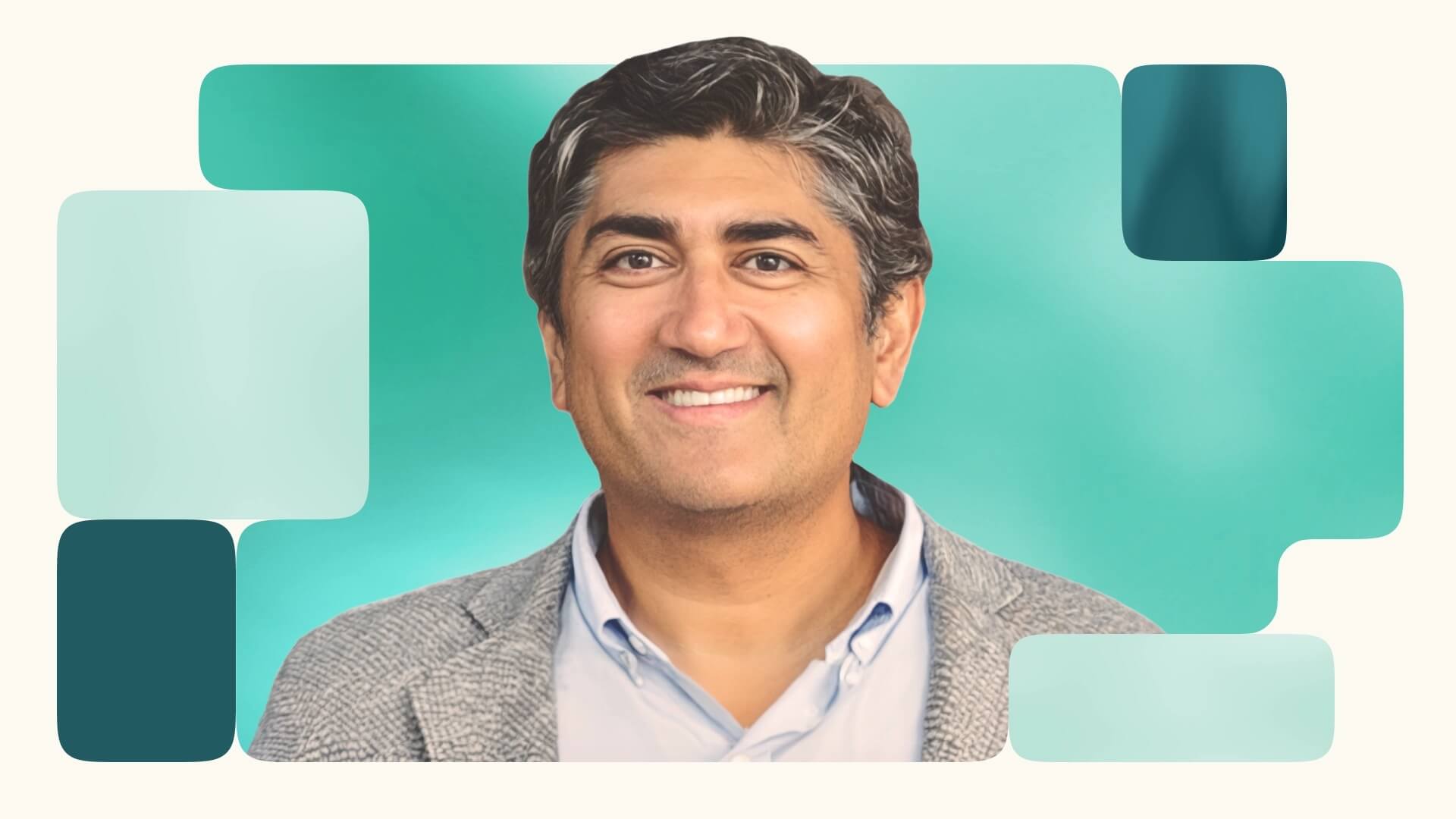
Smiling man in a blazer against a teal background.

At the center of AI and work, LinkedIn’s CEO looks to what comes next

What will humans do in the AI era? In an upcoming book, Ryan Roslansky, the CEO of LinkedIn and executive vice president of Microsoft 365 and Copilot, explores how work is changing, what tools are accelerating that change and how human workers can find their footing in a rapidly changing landscape. Roslansky makes the case that as AI absorbs more of the drudgery of work, people will have the space to do the human work they’ve always been best at but rarely had time for.

Illustration of a person standing in an arched doorway, looking toward a moonlit sky over a desert landscape.

As AI reshapes work, people will redesign the job itself

Every time technology takes a leap forward, workers wonder what they will do next. Steam power, electricity and then computing each reshuffled how people made a living, producing genuine anxiety about what would be left on the other side.

“And each time, the answer turned out to be: more than before, but different than expected,” Jared Spataro, Microsoft’s CMO of AI at Work, writes in a new post. He says the future of the workplace will be defined by humans who can identify “what’s worth doing and how the work should run.”

Abstract collage of circuit diagrams, data charts and a vintage computer panel.

The Prompt: How can you use AI better? Ask AI

If you’ve ever stared at your overflowing to-do list and thought, “Surely AI could help with some of this,” you’re right. Now you can use AI as a personalized consultant to help you figure out the best way to go about your workday.

Collage of colorful geometric shapes with a torn-paper label reading ‘The prompt.’

AI doesn’t decide the future of work. People do

The future of work isn’t just something that happens to us, Jared Spataro, Microsoft CMO of AI at Work, writes in a new blog post. It will be shaped by the choices we make about roles, incentives and standards. Spataro writes that amid all the uncertainty about how the AI era is unfolding, it’s important to maintain perspective. “While AI has extraordinary potential to improve our lives, it raises issues that require deliberate choices — exercising our human agency to shape the future,” he says. Read more about what Spataro believes will be the future of the workforce, and what he says everyone should be cautious about.

Hands on a steering wheel facing a split road with a sunrise and digital graphics.

The Prompt: Using Copilot as your crystal ball

Wouldn’t it be nice to have a crystal ball to see what the future holds?  The next best thing is using AI to create a vision and habits that will help you max out your potential in the coming year. After all, big ideas deserve a plan.

Collage of colorful geometric shapes with a torn-paper label reading ‘The prompt.’

How AI is changing the way we shop

For decades, technological progress has been measured by how quickly and easily we can access information. PCs put knowledge on desktops, the internet made it searchable and mobile placed it in every pocket. But that abundance has created a new burden: consumers and businesses are left to sift through overwhelming choices with little clarity. Now, in a sweeping vision of the near future, Microsoft’s CMO of AI at Work, Jared Spataro, argues that artificial intelligence is poised to transform commerce not by giving people more information but by providing something far more valuable: expertise and the ability to narrow down our choices before humans make the final call.

Illustration of a bridge connecting two cliffs with digital circuit patterns integrated into the structure.

The Prompt: Last week called — and it wants a do-over

If  last week felt like a blur and this one’s already off the rails, AI can help you make a plan that actually works. Think of it as your personal strategist  that will help you sift through what actually needs to get done and what’s just noise.

Collage of colorful geometric shapes with a torn-paper label reading ‘The prompt.’

The Prompt: Use AI to hype you up

Sometimes, we all need a little reminder of how awesome we are. Luckily, AI is here to help. You can use Microsoft 365 Copilot to find the praise hiding in your inbox or Teams chats. So go ahead and hype yourself up!

Collage of colorful geometric shapes with a torn-paper label reading ‘The prompt.’

Economist: Discomfort over AI might be signal change is here

Success in the era of AI is all about how quickly humans can embrace change, economist Tyler Cowen says. In a new podcast, Cowen outlines how discomfort over technological disruption can actually signal real progress toward the full potential of AI. Read on for what Cowen believes people who want to thrive in the AI era will have to do and learn to stay ahead of the curve.

The logo for "WorkLab: The Podcast" on a white background.
English (United States)
Your Privacy Choices Opt-Out Icon Your Privacy Choices
Consumer Health Privacy Sitemap Contact Microsoft Privacy Manage cookies Terms of use Trademarks Safety & eco Recycling About our ads